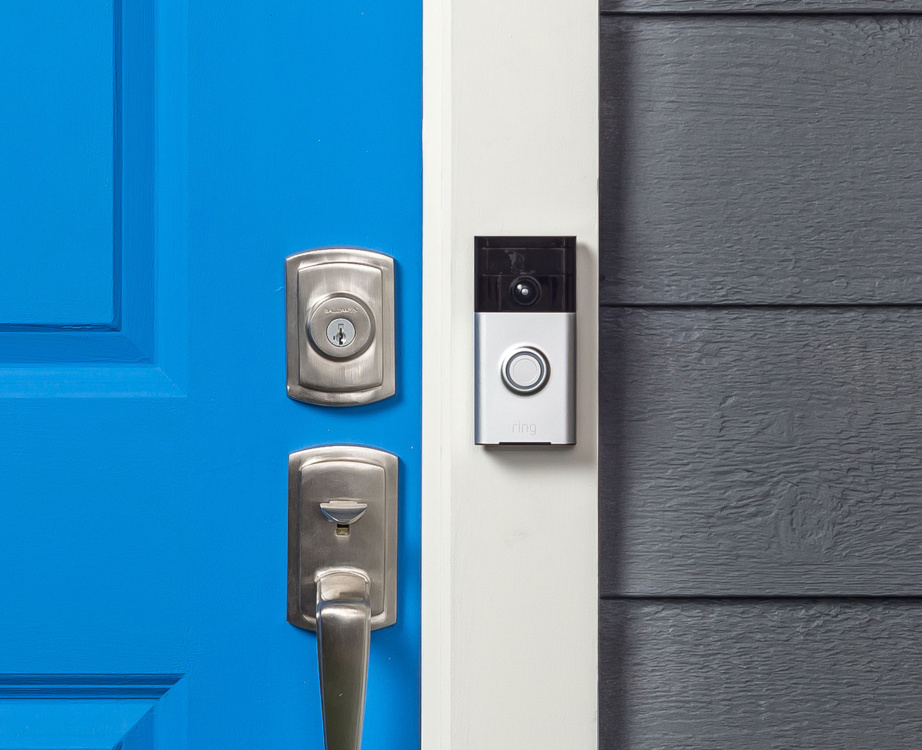
Ring Users Report Suspicious Logins: What You Need to Know
In recent weeks, numerous Ring
doorbell and security camera users have reported receiving alerts about
suspicious login attempts on their accounts. These notifications have raised
concerns about potential security breaches and unauthorized access to home
surveillance systems. If you're a Ring user, here's what you should know—and
how to protect your account.
Reports of Unauthorized Access Attempts
Several Ring users have taken to
social media and forums to share notifications they've received from Amazon
(Ring’s parent company) warning of login attempts from unfamiliar locations.
These alerts typically state that someone tried to access the account from a
new device or an unusual IP address.
While many of these attempts may be
automated bot attacks rather than targeted hacks, they still pose a
risk—especially if users have weak or reused passwords.
How Ring Is Responding
Amazon has emphasized that these
alerts are part of its security measures to notify users of potential
unauthorized access. The company recommends enabling two-factor
authentication (2FA) and using strong, unique passwords to prevent
account takeovers.
Ring has faced security concerns in
the past, including incidents where hackers gained access to cameras and
harassed homeowners. Since then, the company has implemented additional
security features, such as mandatory 2FA for all accounts.
How to Protect Your Ring Account
If you use Ring cameras or
doorbells, follow these steps to enhance your account security:
- Enable
Two-Factor Authentication (2FA)
o Go
to Ring App → Account Settings → Two-Factor Authentication and
turn it on.
o This
adds an extra layer of security by requiring a verification code when logging
in from a new device.
- Use
a Strong, Unique Password
o Avoid
reusing passwords from other accounts.
o Consider
using a password manager to generate and store complex passwords.
- Monitor
Login Activity
o Check
the "Device Activity" section in the Ring app to
review recent logins.
o If
you see unrecognized devices, log them out immediately and change your
password.
- Be
Wary of Phishing Scams
o Hackers
may send fake emails pretending to be from Ring. Always verify the sender
before clicking links.
- Update
Your Devices Regularly
o Ensure
your Ring cameras and app are running the latest firmware to patch security
vulnerabilities.
What to Do If You Suspect a Breach
If you believe your account has
been compromised:
- Change
your password immediately.
- Log
out all devices from the Ring app settings.
- Contact
Ring Support if you notice unauthorized access or suspicious
activity.
Conclusion
While Ring’s security alerts can
be alarming, they serve as an important reminder to take proactive steps in
securing smart home devices. By enabling 2FA, using strong passwords, and
monitoring account activity, users can significantly reduce the risk of
unauthorized access.
Stay vigilant, and ensure your home
security system remains in your control—not a hacker’s.

 Facebook
 Twitter
 Whatsapp
 Linkedin