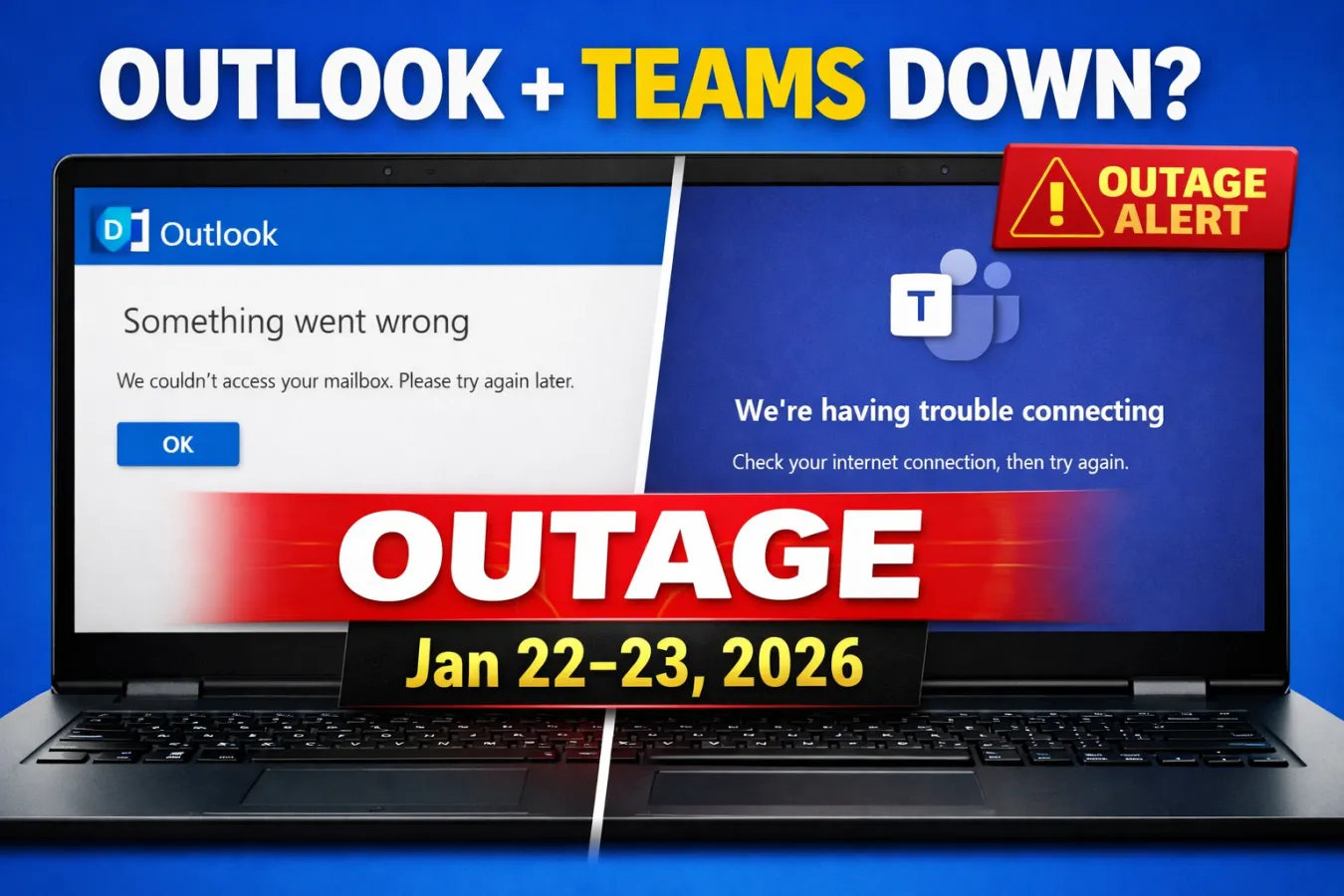
Outlook And Teams Down
If you opened Outlook to check email or tried joining a
Teams meeting and everything suddenly stopped working—blank screens, sign-in
failures, messages not sending, or calls dropping—you weren’t alone. Over the
last 24 hours, thousands of users reported issues with Microsoft Outlook and
Microsoft Teams, triggering widespread concern that Microsoft 365 services were
experiencing a major outage.
For individuals it’s frustrating. For businesses it can be
disruptive in a much bigger way—missed meetings, delayed approvals, broken
customer communication and teams unable to collaborate when they need it most.
So, are Outlook and Teams actually down? What’s happening
behind the scenes? And what should you do right now if you’re affected?
Let’s break it down clearly.
Are Outlook and Teams down right
now?
Outlook and Teams have experienced a service disruption that
led to a sharp spike in outage reports. When thousands of users report problems
at the same time, it usually indicates a real service-side issue rather than a
local internet problem or device error.
That said, Microsoft outages don’t always affect everyone
equally. During large incidents, some users may have full access while others
face partial failures—like messages delayed, login loops, or Teams calls
failing only in certain regions.
So the most accurate answer is:
Yes—Outlook and Teams have been down or unstable for many
users and the impact may vary depending on location, account type and service
routing.
What problems are people seeing?
When Microsoft 365 services experience disruption, the
symptoms can look different from person to person. Here are the most common
issues reported during Outlook and Teams outages:
Outlook issues
- Emails
not sending or receiving
- Outlook
stuck on “Loading profileâ€
- “Something
went wrong†error messages
- Mailbox
not updating or showing old data
- Outlook
Web not opening properly
- Slow
sync across desktop and mobile devices
- Missing
emails (usually delayed, not deleted)
Teams issues
- Teams
not loading or stuck on startup screen
- Sign-in
failures or repeated login prompts
- Messages
not sending or stuck on “Sendingâ€
- Calls
dropping or failing to connect
- Meeting
links not opening
- Calendar
not syncing properly
- Presence
status incorrect (shows offline or unknown)
In many cases, users can still access some features but not
others. For example, Teams chat might work while calls fail, or Outlook might
load but new mail won’t arrive.
Why do Microsoft 365 outages
happen?
Microsoft 365 is built on a massive global cloud
infrastructure. Outlook and Teams aren’t single apps running on a single
server—they rely on many connected services working together, including:
- Authentication
systems (sign-in and security checks)
- Regional
data centers and routing
- Messaging
and mailbox services
- Teams
calling and meeting servers
- API
services that connect calendars, chats and files
- Network
load balancing across global traffic
When one part of that chain breaks, even temporarily, it can
trigger widespread disruption.
Common causes of large Microsoft 365 outages include:
1) Infrastructure or routing issues
If traffic isn’t being routed correctly, users may be unable
to connect to Outlook or Teams even though the services themselves are
technically running.
2) Authentication problems
Many “Outlook is down†reports are actually sign-in or token
validation failures. If authentication systems degrade, Outlook and Teams may
fail to open or continuously request login.
3) Service updates and deployment errors
Even large providers occasionally push updates that cause
unexpected instability. A small configuration mistake can ripple quickly.
4) Regional overload
Sometimes demand spikes or unusual traffic patterns overload
parts of the system. Microsoft usually responds by shifting traffic and
rebalancing workloads.
5) Third-party dependencies
Microsoft services depend on DNS, internet routing and
underlying cloud components. A failure outside Microsoft’s direct control can
still cause downtime.
Is it only Outlook and Teams, or
more services too?
When Outlook and Teams go down together, it often points to
a broader Microsoft 365 incident rather than two separate problems.
During large disruptions, users may also notice issues with:
- Microsoft
365 sign-in
- OneDrive
and SharePoint file access
- Exchange
Online services
- Calendar
sync and meeting scheduling
- Admin
center alerts and monitoring tools
Even if those services aren’t fully “down,†they may become
slow, inconsistent, or partially unavailable.
How to confirm if Outlook or
Teams is actually down (in 2 minutes)
Before you spend time reinstalling apps or resetting your
laptop, confirm whether it’s a global issue.
Step 1: Check from another network
Try switching from Wi-Fi to mobile hotspot (or vice versa).
If it works on one network but not another, it could be ISP-related.
Step 2: Try web versions
- Use
Outlook in a browser
- Use
Teams in a browser
If the web version works but the app doesn’t, it might be a
local client/cache issue.
Step 3: Test on another device
Try opening Outlook or Teams on your phone. If both desktop
and mobile fail, it’s more likely service-side.
Step 4: Look for outage spikes
If you see thousands of reports from users at the same time,
it’s almost certainly not just you.
What you should do if Outlook is
down
If Outlook is failing right now, here are the best actions
in order:
1) Don’t panic-delete your account or profile
A common mistake is removing your email account from Outlook
and re-adding it repeatedly. During outages, this can create more sign-in
problems and doesn’t fix the root issue.
2) Use Outlook Web temporarily
If Outlook desktop isn’t loading, try webmail. Even when
desktop clients fail, web access may still work.
3) Check your outbox and drafts
If emails are stuck, don’t keep pressing “Send†repeatedly.
It can create duplicates once service returns.
4) Keep important messages in a backup channel
If you urgently need to contact someone, use:
- SMS
/ phone call
- Another
messaging platform
- A
personal email (only if allowed by your company policy)
5) Wait for recovery and resend only when stable
Once services stabilize, verify mail flow is normal before
resending critical messages.
What you should do if Teams is
down
Teams outages can be more stressful because they break
real-time communication.
1) Try joining via browser
Sometimes Teams desktop fails while the browser version
still works.
2) Switch meeting method
If your meeting is critical, use:
- Dial-in
phone number (if available)
- Another
meeting platform (Zoom/Meet/etc.)
- A
quick WhatsApp/phone conference as backup
3) Send a fallback message early
If Teams chat isn’t delivering, notify colleagues via email
or SMS that Teams is unstable.
4) Avoid reinstalling during an active outage
Reinstalling Teams won’t fix a Microsoft-side incident and
can waste time.
How long do Outlook and Teams
outages usually last?
It depends on the root cause, but most Microsoft 365
disruptions fall into three patterns:
- Short
interruptions (15–30 minutes): brief service degradation or regional
routing issue
- Medium
incidents (1–3 hours): major component failure or traffic rebalancing
- Extended
incidents (4–12+ hours): rare, but can happen if multiple systems are
impacted
Even after Microsoft announces “recovery,†some users may
still experience:
- delayed
emails
- slow
login
- Teams
messages arriving late
- meeting
calendar syncing slowly
This is normal during the stabilization phase.
Why outages feel worse today than
before
Ten years ago, if email went down, teams could still
collaborate using separate tools. Today, Outlook and Teams are deeply connected
to daily work:
- Email
is approvals, customer support and communication history
- Teams
is meetings, calls, internal coordination and project work
- Calendar
is scheduling, reminders and operational planning
When both go down at once, productivity doesn’t just slow—it
can stop.
That’s why even a short outage creates a strong reaction
online and why “thousands of outage reports†appears quickly.
What businesses should do during
a Microsoft 365 outage
If you manage IT operations or run a company, these steps
reduce confusion and downtime:
1) Publish a short internal status message
Example:
“Microsoft Outlook/Teams are currently experiencing service
disruption. We are monitoring the incident. Use email web access if available
and switch urgent communication to phone/SMS until services recover.â€
2) Activate a backup communication channel
Even a simple WhatsApp group or SMS broadcast list can keep
operations moving.
3) Pause non-urgent changes
Avoid deploying major updates, tenant changes, or account
migrations during a cloud incident.
4) Track business impact
Document what broke:
- missed
customer replies
- meeting
failures
- support
tickets
- delayed
approvals
This helps for internal reporting and improving continuity
plans.
The bottom line
Yes—Microsoft Outlook and Teams have faced widespread
issues, with thousands of outage reports indicating a major disruption for many
users. The exact impact varies by region and account type, but the pattern is
consistent with a Microsoft 365 service-side incident rather than a problem on
individual devices.
If you’re affected, focus on quick workarounds:
- try
the web versions
- switch
networks
- use
backup communication tools
- avoid
unnecessary reinstalls
- wait
for service recovery and stabilization
Outages
happen—even with the biggest cloud platforms. The best response is staying
calm, confirming the scope and keeping communication moving through alternate
channels until everything returns to normal.

 Facebook
 Twitter
 Whatsapp
 Linkedin